
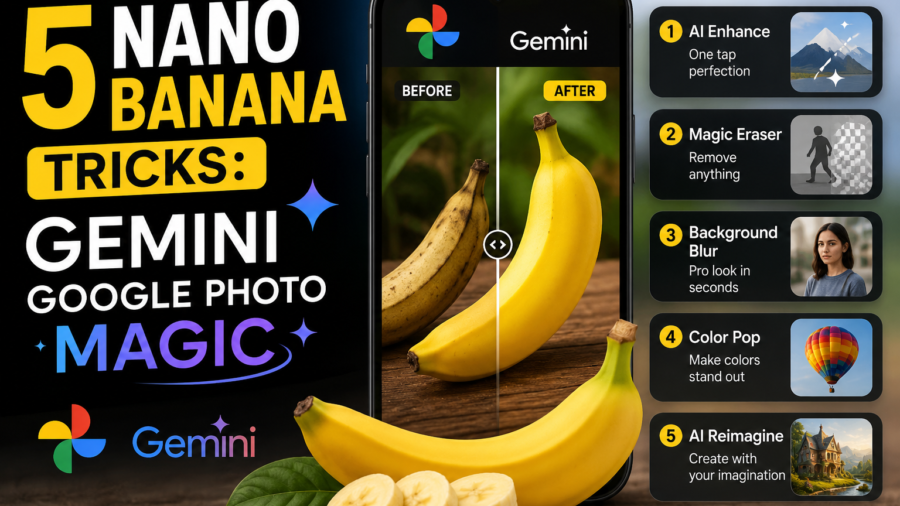
If you’ve noticed friends turning ordinary selfies into figurines, retro portraits, or dreamy composite images, they’re almost certainly using Gemini Google’s built-in photo editor, nicknamed Nano Banana. It’s free, it lives right inside the Gemini app, and it works entirely through typed instructions instead of manual editing tools. Here’s a complete, practical guide to using it well.
What Is Gemini Google’s Nano Banana Editor?
Nano Banana is AI image engine, built into the Gemini app and powered by Google DeepMind. Instead of dragging sliders or masking layers like a traditional photo editor, you upload a picture and describe what you want changed in plain language — and Gemini does the rest. This single feature is behind the explosion in photo and gemini ai photo searches over the past year, as more people discover just how far a simple prompt can go.
How to Create an AI Gemini Photo in Four Steps
1. Open the Gemini app and upload your photo. Any picture works — a selfie, a family photo, a pet picture, or even an old scanned image. Tap the image icon and upload it directly.
2. Describe your edit clearly. This is the step that separates a disappointing result from a great one. A vague instruction like “make it cooler” gives Gemini very little to work with. A detailed prompt — describing the subject, setting, action, and mood — produces far more accurate results.
- Weak: “Change the background.”
- Strong: “Place me on a beach at sunset, golden light, wearing a white shirt.”
3. Combine two photos, if you want. One of the most popular tricks behind the ai photo trend is merging two images into one — for example, uploading a photo of yourself and your pet and asking Gemini to blend them into a single natural-looking picture.
4. Refine with a follow-up prompt. If the first result isn’t quite right, don’t start over — just tell Gemini what to adjust (“make the lighting warmer,” “keep the face the same but change the outfit”). Gemini is built to hold onto a person’s likeness across edits, so small refinements usually work better than fresh attempts.
Popular Gemini Photo Prompt Ideas
If you’re short on inspiration, these prompt styles consistently perform well:
- Figurine style: “Turn this photo into a custom miniature collectible figure.”
- Retro makeover: “Give this a retro 90s mall studio portrait look.”
- Hairstyle preview: “Show me with a short curly hairstyle, same face and lighting.”
- Infographic or diagram: Gemini can also turn written notes into a clean visual diagram — useful well beyond casual photo editing.
Why Gemini AI Photo Results Look So Realistic
Two things make Gemini’s photo output stand out. First, it draws on real-world knowledge and web-informed context, so it renders specific objects, landmarks, and subjects more accurately than older AI editors. Second, it’s built to maintain consistency — keeping a person’s face, and even multiple people’s faces, recognizable across an edit rather than warping them into something unrecognisable.
Checking If a Photo Was Made With Gemini?
Every image created or edited through Gemini carries an invisible SynthID watermark. If you’re ever unsure whether a picture is AI-generated, upload it back into Gemini and simply ask — the app can verify it for you directly.
A Note on Responsible Use
Nano Banana can convincingly alter faces and blend people into new scenes, only edit photos of people who’ve given you permission, and avoid creating misleading images of others. The built-in watermarking exists precisely so AI-edited images remain identifiable — using the tool responsibly is part of getting the most out of it.
Related FAQs
What is Nano Banana in Photo?
Nano Banana is Google Gemini’s AI-powered photo editing feature that lets you edit images using simple text prompts instead of manual tools.
Is Gemini photo editing free to use?
Yes, basic Nano Banana editing is free in the Gemini app. Advanced features like higher resolution and faster processing are available with Gemini Pro.
How do I write a good photo prompt?
Be specific — describe the subject, action, setting, and mood. For example, instead of “change the background,” try “place me on a beach at sunset with golden light.”
Can I combine two photos using photo editing?
Yes, Gemini lets you upload two images and blend them into one natural-looking photo, such as merging yourself with a pet or friend.
Does Gemini photo editing work on all devices?
Yes, Nano Banana works through the Gemini app on both Android and iOS, as well as on the web version of Gemini.
How can I tell if a photo was edited using Gemini AI?
Every Gemini-edited image includes an invisible SynthID watermark. Upload the photo back into Gemini and ask if it’s AI-generated to verify.
What’s the difference between Nano Banana and Nano Banana Pro?
Nano Banana is the standard fast image editor, while Pro offers higher-quality, studio-level results with more advanced creative control.
Can AI photo editing change a hairstyle or outfit?
Yes, you can ask Gemini to preview a new hairstyle, change an outfit, or apply a different style — all through a single text prompt.
You may also like: https://www.tracenews.in/independence-day-2026-79th-or-80th/
Final Thoughts
Whether you’re searching for gemini google photo tools, experimenting with your first ai photo, or trying to recreate the viral ai gemini photo trend everyone’s talking about, the core skill is the same: write specific, descriptive prompts, and refine rather than restart. Master that, and Nano Banana becomes less of a novelty and more of a genuinely useful creative tool.