

WhatsApp supported Android versions in 2026 look noticeably different from what they were even a few months ago, following a significant compatibility update the company rolled out this September. If you’re trying to figure out whether your specific phone still qualifies to run the app, or you’re helping a family member troubleshoot an older device, understanding exactly where the current cutoff sits is the fastest way to get a clear answer.
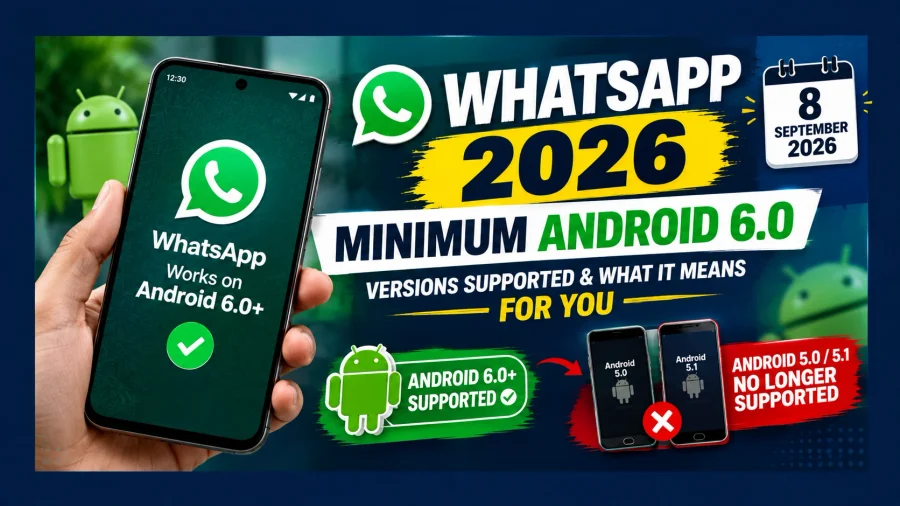
WhatsApp Android version 2026 requirements now start at Android 6.0, following the app’s decision to end support for Android 5.0 and 5.1 devices on September 8, 2026. Anything running Android 6.0 or newer remains fully supported, while devices still on Android 5.0 or 5.1 have lost access to the app entirely. Here’s a complete breakdown of what’s currently supported, what isn’t, and how to check exactly where your own device stands.
WhatsApp Minimum Requirement: The Current Baseline
WhatsApp minimum requirement for Android devices, as of September 2026, sits at Android 6.0 (“Marshmallow”), released back in 2015. This is a full version bump up from the previous minimum of Android 5.0, and it means any phone still running Android 5.0 or 5.1 is no longer able to open or use the app in any capacity, regardless of manufacturer or model.
WhatsApp has explained that older operating systems increasingly lack the security patches and technical capabilities needed to support features currently in development, including notification bubbles and floating chat icons — functionality that simply can’t run reliably on software this dated.
WhatsApp Android Requirement: Quick Reference
| Detail | Current Status (2026) |
|---|---|
| Minimum Android Version | Android 6.0 |
| Last Unsupported Versions | Android 5.0, Android 5.1 |
| Cutoff Effective Date | September 8, 2026 |
| Apps Affected | WhatsApp Messenger, WhatsApp Business |
WhatsApp Supported Devices: Which Phones Still Work
WhatsApp supported devices in 2026 include essentially any Android phone running version 6.0 or higher, spanning a huge range of manufacturers and price points released over the past decade. This is a fairly broad compatibility window, given how many budget and mid-range Android phones from 2016 onward shipped with Android 6.0 or later out of the box.
Given how long Android 6.0 has been the industry baseline for new device releases, the vast majority of Android phones still in active daily use — even fairly old ones — fall comfortably within WhatsApp’s current supported range. It’s really only very old, unmaintained, or extremely budget-tier devices from 2014-2015 that risk falling outside this window.
Which Older Android Phones Are Affected?
If you are using an older Android smartphone, checking the Android version alone may not be enough if you are unsure about your device’s compatibility. Read our detailed guide on older Android phones affected by WhatsApp’s support cutoff to understand which users may be affected and what they can do next.
WhatsApp Android 6.0: Why This Became the New Floor
WhatsApp Android 6.0 now serves as the hard floor for app compatibility, and it’s worth understanding this isn’t an arbitrary number. Android 6.0 introduced several security and permissions improvements over Android 5.x, including a more granular runtime permissions system, which gives WhatsApp better tools to protect user data and manage device-level security compared to what Android 5.0 or 5.1 could offer.
This kind of periodic baseline increase is a pattern WhatsApp has followed before, and it’s reasonable to expect the minimum requirement will rise again in the future as even Android 6.0 eventually becomes too dated to support newer features securely.
What Happened to Android 5.0 and 5.1 Support?
WhatsApp’s minimum Android requirement has changed, and Android 5.0 and 5.1 devices are no longer supported. If your phone is running one of these older versions, you can read our detailed guide on WhatsApp Android 5.0 and 5.1 support to understand what changed and what affected users need to know.
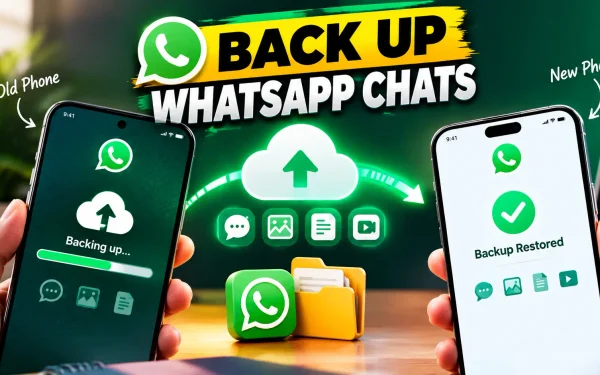
If your device is no longer compatible and you plan to move to a supported phone, make sure you back up your WhatsApp chats before changing phones so your chat history can be restored where possible.
Does Android 7.1.1 Support WhatsApp: A Clear Yes
Does Android 7.1.1 support WhatsApp is a question with a straightforward answer: yes, comfortably. Android 7.1.1 (“Nougat”), released in 2016, sits well above the current Android 6.0 minimum requirement, meaning any phone running this version can install and use WhatsApp without any compatibility concerns whatsoever.
If your device is running Android 7.1.1, you don’t need to take any action related to this particular compatibility change — your phone is fully supported and will continue functioning normally.
Does Android Version 8.1 Support WhatsApp: Also a Yes
Does Android version 8.1 support WhatsApp follows the same logic — Android 8.1 (“Oreo”), released in late 2017, is also comfortably above the Android 6.0 floor, and devices running this version remain fully compatible with the current version of WhatsApp. In fact, Android 8.1 and later versions tend to offer an even smoother WhatsApp experience, since more recent Android releases generally provide better background process management and battery optimisation that benefits messaging apps specifically.
WhatsApp Compatibility by Android Version: Quick Check
| Android Version | Release Year | WhatsApp Supported? |
|---|---|---|
| Android 5.0 / 5.1 | 2014 / 2015 | No (support ended Sep 8, 2026) |
| Android 6.0 | 2015 | Yes (current minimum) |
| Android 7.0 / 7.1.1 | 2016 | Yes |
| Android 8.0 / 8.1 | 2017 | Yes |
| Android 9.0 and above | 2018 onward | Yes |
WhatsApp Supported Android Versions Samsung: No Brand-Specific Exceptions
WhatsApp supported Android versions Samsung users need to know follow exactly the same rule as every other Android manufacturer — there’s no special exception or extended support window for Samsung devices specifically. What matters is the Android OS version your specific Samsung phone is running, not the brand itself. Older, budget-tier Samsung models from around 2014-2015 that were never updated past Android 5.0 or 5.1 are affected by this cutoff in exactly the same way as any other brand’s device from that era.
To check your Samsung phone’s Android version, go to Settings > About Phone > Software Information, where the exact version number will be clearly listed regardless of which Samsung model you own.
What If WhatsApp Stops Working on Your Phone?
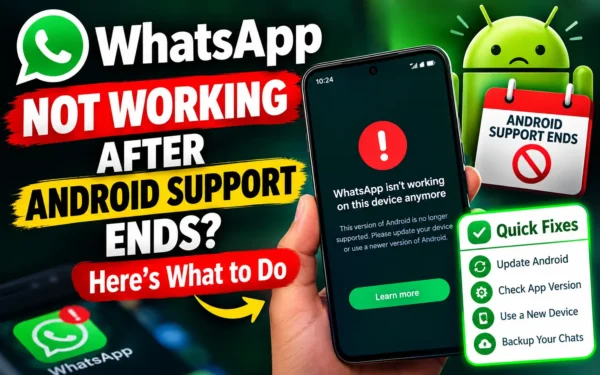
If your Android version is below WhatsApp’s current minimum requirement and the app has stopped working, you may need to update your device or move to a supported phone. For practical troubleshooting steps, see our guide on what to do if WhatsApp is not working after Android support ends.
WhatsApp Supported Android Versions Download: Getting the App on a Compatible Device
WhatsApp supported Android versions download availability works differently depending on where you’re installing from. On the Google Play Store, WhatsApp is generally only offered for download on devices already running a compatible Android version — meaning phones on Android 5.0 or 5.1 typically won’t even see the app as installable through the Play Store anymore, or will find that a previously installed version simply stops functioning.
If you’re setting up WhatsApp on a new or different device, always confirm the Android version first through your phone’s settings before attempting installation, to avoid running into compatibility issues partway through setup.
WhatsApp Support Android Phone Number: How to Actually Get Help
WhatsApp support Android phone number searches are common, but it’s worth clarifying upfront that WhatsApp does not offer a traditional customer service phone line you can call for support. Instead, help is available directly within the app itself, through Settings > Help > Contact Us, where you can describe your issue and receive a response through WhatsApp’s official support channels.
For compatibility-related questions specifically, like confirming whether your Android version is supported, WhatsApp’s official FAQ and help center pages are generally the fastest and most reliable source of current, accurate information, rather than searching for a phone number that doesn’t actually exist for this service.
WhatsApp Support Android Version 7: Fully Compatible Across the Board
WhatsApp support Android version 7 covers both Android 7.0 and 7.1.1 without any distinction, since both sit comfortably above the current Android 6.0 minimum requirement. Devices running either version of Android 7 can install, update, and use WhatsApp without restriction, and should continue receiving regular app updates through the Google Play Store just like any other currently supported device.
WhatsApp Android Compatibility: How to Check Your Own Device Right Now
WhatsApp Android compatibility for your specific phone takes less than a minute to confirm, and it’s worth doing proactively rather than waiting to run into a problem. Here’s the exact process to follow.
How to Check Your Device’s WhatsApp Compatibility
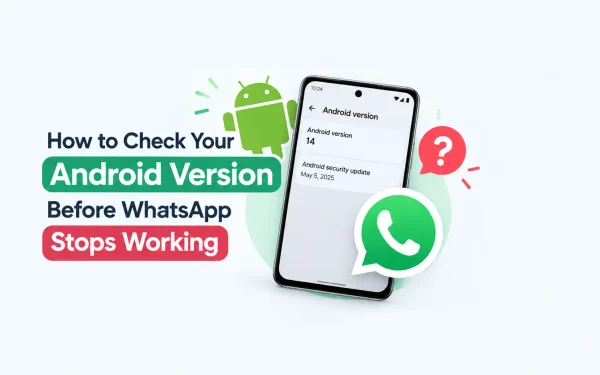
Not sure which Android version your phone is running? You can find the software version from your phone’s Settings menu and then compare it with WhatsApp’s current minimum requirement. Follow our step-by-step guide on how to check your Android version to find out whether your device meets WhatsApp’s requirements.
| Step | Action |
|---|---|
| 1 | Open Settings on your Android phone |
| 2 | Scroll to “About Phone” or “About Device” |
| 3 | Look for “Android Version” or “Software Information” |
| 4 | Compare the version number against Android 6.0 |
| 5 | If below Android 6.0, check for a software update or consider a new device |
Frequently Asked Questions About WhatsApp Supported Android Versions in 2026
1. What is the minimum Android version required for WhatsApp in 2026?
WhatsApp requires Android 6.0 or newer as of September 8, 2026, after ending support for Android 5.0 and 5.1.
2. Does Android 7.1.1 support WhatsApp?
Yes, Android 7.1.1 is well above the current minimum requirement of Android 6.0 and fully supports WhatsApp.
3. Does Android version 8.1 support WhatsApp?
Yes, Android 8.1 is fully compatible with WhatsApp, as it sits comfortably above the Android 6.0 minimum requirement.
4. Are Samsung phones affected differently by this WhatsApp update?
No, the requirement applies equally across all Android manufacturers, including Samsung. Only the device’s Android OS version determines compatibility.
5. How can I check which Android version my phone is running?
Go to Settings > About Phone > Software Information to see your exact Android version number.
6. Can I still download WhatsApp on a phone running Android 5.0 or 5.1?
No, devices on Android 5.0 or 5.1 are no longer supported and typically cannot install or run WhatsApp from the Google Play Store.
7. Does WhatsApp have a customer support phone number?
No, WhatsApp does not offer a traditional phone support line. Help is available within the app through Settings > Help > Contact Us.
8. Will WhatsApp raise its minimum Android requirement again in the future?
It’s likely, based on past patterns, though no specific future date has been announced beyond the current Android 6.0 requirement.
9. What happens if my phone’s Android version is below the current requirement?
The app will not open or function. You’ll need to update your phone’s software to Android 6.0 or higher, or switch to a compatible device.
10. Is WhatsApp Business affected by the same Android version requirement?
Yes, WhatsApp Business follows the same minimum requirement as WhatsApp Messenger, since both apps share the same underlying codebase.

2 Comments