
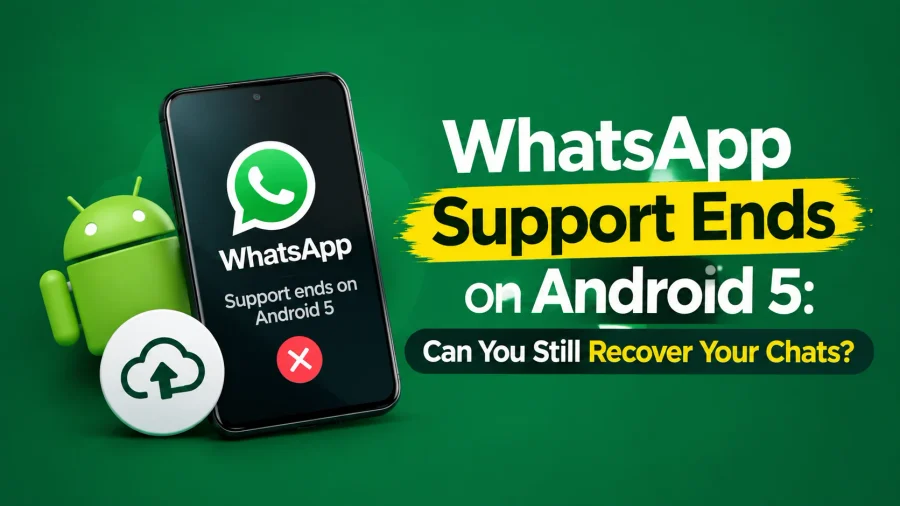

WhatsApp support ends on Android 5 in a very specific, technical sense — the app itself will no longer open or function on devices running Android 5.0 or 5.1, since WhatsApp’s minimum requirement has moved up to Android 6.0. Importantly, this doesn’t mean your chat data has been deleted from your phone. Your messages, media, and chat database typically remain physically stored on the device even after the app stops functioning; they’re simply inaccessible through the app itself once it’s blocked from launching.
This distinction matters enormously for recovery purposes. As long as you haven’t wiped your phone’s storage or performed a factory reset, your chat history is very likely still sitting on the device, waiting to be backed up and transferred properly.
Also Read:- WhatsApp Android 5.0 and 5.1 Support Ends
WhatsApp Android 5 Cutoff: Key Facts
| Detail | Information |
|---|---|
| Support Ended | September 8, 2026 |
| Affected Versions | Android 5.0 and 5.1 |
| New Minimum Requirement | Android 6.0 |
| Chat Data Status | Typically still stored on device, inaccessible via app |
| Recovery Possible? | Yes, if backup is completed before switching devices |
Recover WhatsApp Chats: The Method That Actually Works
Recover WhatsApp chats from an Android 5.0 or 5.1 device generally depends on whether you managed to create a backup before the app stopped functioning, or whether your phone still has a local backup file stored even without an active internet-based backup. WhatsApp automatically creates local backups on your device roughly every night by default, stored in a folder on your phone’s internal storage, which can be a genuine lifeline if you never manually backed up to Google Drive.
If your device can still turn on and access its file storage — even if WhatsApp itself won’t open — you may be able to locate this local backup folder using a file manager app, then transfer that backup file to a new phone before reinstalling WhatsApp there.
Check WhatsApp Support Before Moving Your Chats
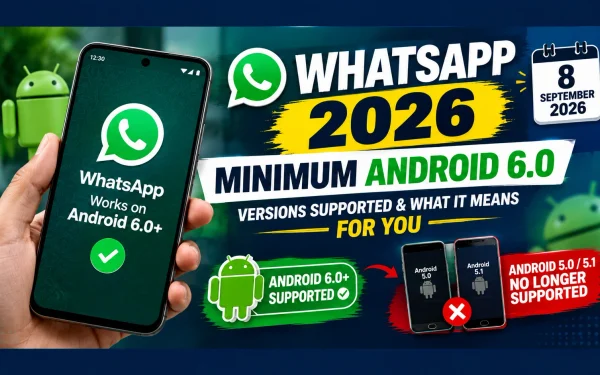
If your phone is running an older Android version and you are planning to move your WhatsApp account to another device, first check whether your current phone meets WhatsApp’s minimum requirements. Read our guide to WhatsApp supported Android versions in 2026 to understand which Android versions are currently supported.
How to Recover WhatsApp Chats From an Unsupported Device
| Step | Action |
|---|---|
| 1 | Check if your phone still powers on and allows file access |
| 2 | Use a file manager app to locate the WhatsApp backup folder (usually under Internal Storage > WhatsApp > Databases) |
| 3 | Transfer the backup file to your new phone via USB, cloud storage, or a file-sharing app |
| 4 | Install WhatsApp on your new device |
| 5 | Place the backup file in the correct WhatsApp folder on the new device before opening the app |
| 6 | Verify your phone number during setup to trigger the chat restore prompt |
WhatsApp Backup Recovery: Local Backup vs Google Drive Backup
WhatsApp backup recovery works differently depending on whether your backups were stored locally on your device or synced to Google Drive. Local backups are created automatically and stored directly on your phone’s internal storage, but they’re only useful if you can still physically access your old device’s files. Google Drive backups, on the other hand, are stored in the cloud and can be restored onto a new device even if your old phone is completely inaccessible or broken.
If you had previously enabled Google Drive backup before your device lost WhatsApp support, restoring your chats on a new phone becomes considerably simpler — you’ll be prompted to restore from Google Drive automatically the moment you verify your number during WhatsApp’s setup process on the new device.
Local Backup vs Google Drive Backup: Which One Applies to You
| Backup Type | Where It’s Stored | Recoverable If Old Phone Is Inaccessible? |
|---|---|---|
| Local Backup | Phone’s internal storage | No — requires access to the old device |
| Google Drive Backup | Cloud (linked Google account) | Yes — fully recoverable on any new device |
WhatsApp Support Ends Android 5 Samsung: Is Your Device Affected?
WhatsApp support ends Android 5 Samsung users specifically should know that this cutoff applies uniformly across all Android manufacturers, including Samsung, Xiaomi, Vivo, Oppo, and every other Android brand — there’s no manufacturer-specific exception. Several older Samsung models, particularly budget and mid-range devices released around 2014-2015, originally shipped with or were later updated only as far as Android 5.0 or 5.1, making them directly affected by this cutoff.
If you’re using an older Samsung device and unsure of your exact Android version, checking Settings > About Phone > Software Information will confirm whether you fall into the affected category, regardless of which specific Samsung model you own.
WhatsApp Ending Support for Older Devices: A Pattern, Not a One-Off
WhatsApp ending support for older devices isn’t a new phenomenon — the company has periodically raised its minimum requirements over the years as older operating systems fall further behind current security standards. This particular cutoff, moving the baseline from Android 5.0 to Android 6.0, follows the same logic WhatsApp has applied in previous rounds of similar changes, driven by the need to support newer security protocols and app features that older software simply can’t handle.
Understanding this as an ongoing pattern, rather than an isolated incident, is useful context for anyone managing multiple older devices across a household — similar cutoffs are likely to happen again in the future as Android versions continue to age out of relevance.
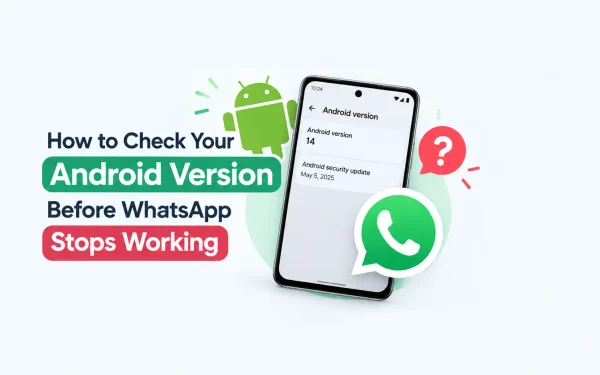
WhatsApp is ending support for older Android versions, so checking your phone’s software version is an important first step. If you are unsure whether your device is affected, read our detailed guide on which older Android phones are affected by WhatsApp’s support change before deciding what to do next.
WhatsApp Support for iOS: A Separate but Similar Timeline
WhatsApp support for iOS users follows its own distinct schedule, separate from the Android cutoff, though it operates on the same underlying principle. WhatsApp currently requires iOS 15.1 or later to function, but that requirement is set to rise to iOS 15.5 starting November 30, 2026. iPhone users on older iOS versions should treat this upcoming date with the same urgency Android 5.0/5.1 users are facing right now, and begin backing up their chats well in advance rather than waiting until the cutoff actually arrives.
WhatsApp Minimum OS Requirements: Android vs iOS
| Platform | Current Minimum Requirement | Next Scheduled Change |
|---|---|---|
| Android | Android 6.0 (as of September 8, 2026) | None announced yet |
| iOS | iOS 15.1 | Rising to iOS 15.5 on November 30, 2026 |
WhatsApp Chat History Android: What Happens If You Don’t Back Up in Time
WhatsApp chat history Android data becomes genuinely difficult, and in some cases impossible, to recover if you factory reset your old device, lose it, or it stops powering on entirely before you’ve managed to back anything up. This is exactly why timing matters so much here — once a device becomes physically inaccessible, even a technically “recoverable” local backup becomes unreachable in practice.
If your old Android 5.0 or 5.1 device is still functional and you haven’t yet backed up your chats, treat this as an urgent task rather than something to get around to eventually. The window to safely extract your chat history only stays open for as long as the device itself remains usable.
WhatsApp Google Drive Backup: Setting It Up Before It’s Too Late
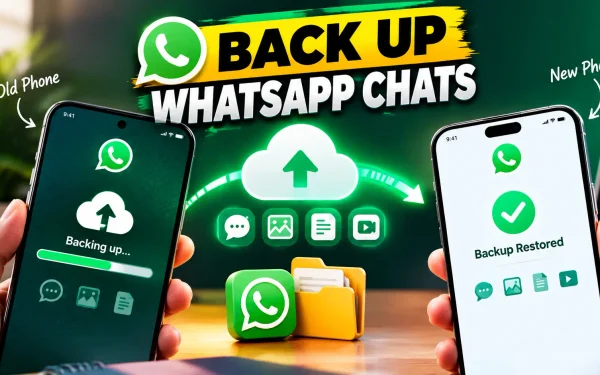
WhatsApp Google Drive backup should ideally be set up before you switch to another device. If you are planning to change phones, learn how to back up your WhatsApp chats before switching phones so your conversations and media can be restored on the new device.
For anyone reading this with a functioning phone still on an older Android version, the most important takeaway is proactive: enable Google Drive backup now, well before your device faces any compatibility cutoff, so you’re never in a position of scrambling to recover chats from a device that’s already stopped supporting the app.
Frequently Asked Questions About WhatsApp Support Ending on Android 5
1. Can I still recover my WhatsApp chats after support ends on Android 5?
Yes, as long as you haven’t factory reset your device, your chat data is likely still stored on your phone and can be backed up and transferred to a new device.
2. Does WhatsApp support ending on Android 5 affect Samsung phones specifically?
No, the cutoff applies to all Android manufacturers equally, including Samsung. Any phone running Android 5.0 or 5.1, regardless of brand, is affected.
3. What’s the difference between local and Google Drive WhatsApp backups?
Local backups are stored on your phone’s internal storage and require access to that device to recover. Google Drive backups are stored in the cloud and can be restored on any new device.
4. Will my old phone’s WhatsApp data be deleted automatically after the cutoff?
No, your chat data typically remains on the device even after the app stops working; it simply becomes inaccessible through the app itself unless you retrieve the backup files manually.
5. Is WhatsApp also ending support for older iOS devices?
Yes, iPhone users currently need iOS 15.1 or later, and this requirement will rise to iOS 15.5 starting November 30, 2026.
6. How do I know if my Android phone is affected by this WhatsApp cutoff?
Check Settings > About Phone > Software Information. If your Android version shows 5.0 or 5.1, your device is affected.
7. Can I set up a Google Drive backup after WhatsApp stops working on my phone?
No, Google Drive backup needs to be enabled while the app is still functioning normally. It cannot be set up retroactively once the app is blocked from opening.
8. Where is the local WhatsApp backup file stored on Android?
It’s typically located under Internal Storage > WhatsApp > Databases, accessible through a file manager app even if WhatsApp itself won’t open.
9. What should I do right now if my phone is still on Android 5.0 or 5.1?
Immediately check whether a Google Drive backup was previously set up, or locate your local backup file through a file manager, before your device becomes inaccessible or you switch to a new phone.
10. Why does WhatsApp keep ending support for older devices over time?
WhatsApp periodically raises its minimum operating system requirement to support newer security standards and app features that older, outdated software cannot handle.

1 Comment