
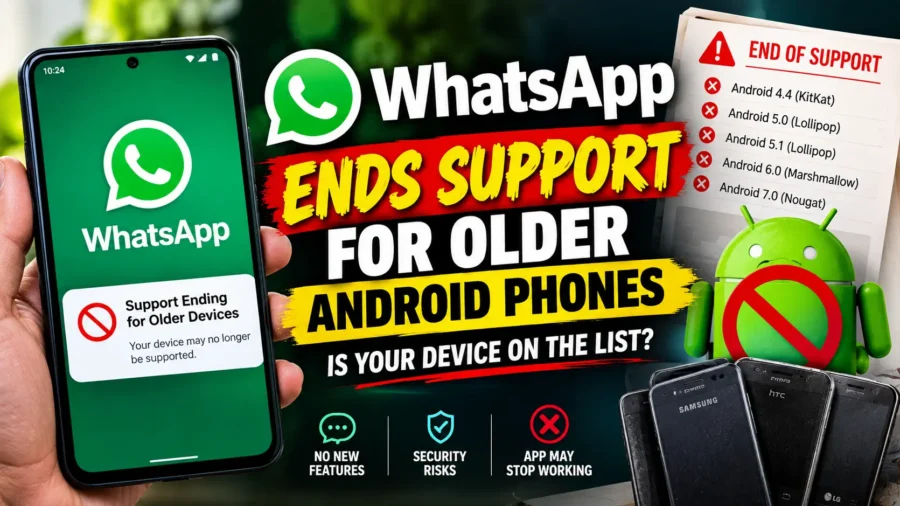

WhatsApp ends support for a chunk of older Android phones starting this week, and if you or someone in your family has been holding onto an ageing device for years without upgrading, this is exactly the kind of update that can catch people off guard. The world’s most widely used messaging app has officially raised its minimum system requirement, quietly cutting off a segment of users who’ve relied on the platform for everything from daily chats to running small businesses.
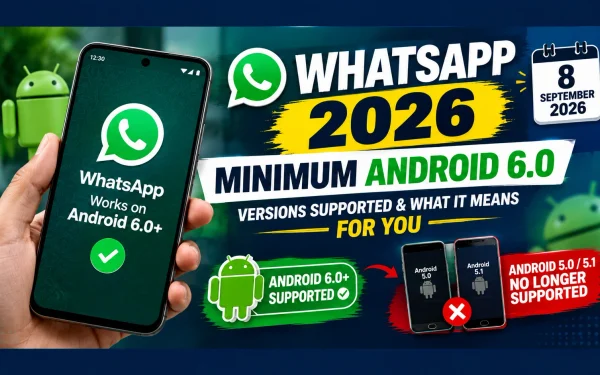
WhatsApp older Android compatibility has been steadily narrowing over the years, and this latest change marks one of the more significant cutoffs in recent memory. Starting September 8, 2026, WhatsApp requires Android 6.0 or newer to function, meaning devices still running Android 5.0 or 5.1 have officially lost access to the app.
WhatsApp Android 5: What’s Actually Changing
WhatsApp Android 5 users are the ones directly affected by this update. Until this cutoff, WhatsApp supported devices running Android 5.0 and above, provided the phone could still send SMS messages or make calls. That threshold has now moved up a full version, meaning Android 5.0 (released back in 2014 as “Lollipop”) and Android 5.1 devices are no longer able to use the app in any capacity.
This isn’t a sudden or surprise decision either — WhatsApp had been notifying affected users well in advance, displaying in-app alerts stating that support for their device would be ending later in the year, giving people time to prepare before access was actually cut off.
WhatsApp has now ended support for Android 5.0 and 5.1. For a detailed explanation of what affected users need to know, see our guide on WhatsApp Android 5.0 and 5.1 support.
WhatsApp Android Support: Before and After the Change
| Detail | Before September 8, 2026 | From September 8, 2026 Onward |
|---|---|---|
| Minimum Android Version | Android 5.0 | Android 6.0 |
| Affected Versions | None (5.0 and 5.1 supported) | Android 5.0 and 5.1 no longer supported |
| Apps Affected | WhatsApp Messenger, WhatsApp Business | WhatsApp Messenger, WhatsApp Business |
| iPhone Users | Not affected | Not affected (separate iOS timeline applies) |
WhatsApp Android 6 Requirement: Why This Version Is the New Cutoff
WhatsApp Android 6 requirement reflects a fairly standard pattern the company follows — periodically raising its minimum supported operating system to keep pace with newer security standards and technical capabilities. According to WhatsApp’s own explanation, older operating systems increasingly lack the security patches and functional capabilities needed to support newer features the app is actively developing.
Some of those upcoming features reportedly include notification bubbles and floating chat icons that let users access conversations without leaving other apps — functionality that simply isn’t achievable on hardware and software as old as Android 5.0 or 5.1.
WhatsApp Minimum Requirement in 2026: How to Check If You’re Affected
WhatsApp minimum requirement changes like this one are easy to check on your own device, and it only takes a couple of minutes. If you’re unsure whether your phone falls into the affected category, here’s how to find out and what to do next.
WhatsApp’s Android support requirements have changed, and users with older devices should check the minimum version supported by the app. For the latest information on compatible Android versions and the current minimum requirement, read our detailed guide to WhatsApp supported Android versions in 2026.
How to Check and Fix WhatsApp Android Compatibility
| Step | Action |
|---|---|
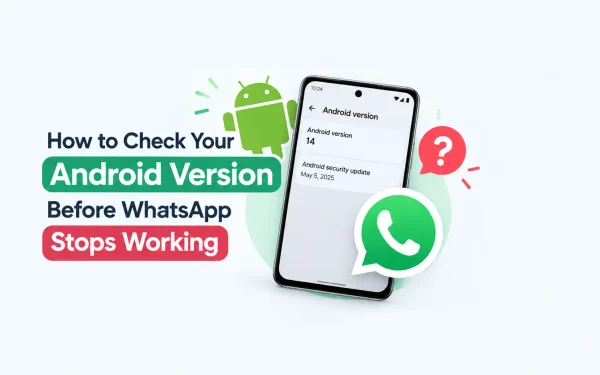
| 1 | Go to your phone’s Settings > About Phone to check your current Android version |
| 2 | If you’re on Android 5.0 or 5.1, check Settings > System Update for an available upgrade |
| 3 | If Android 6.0 or newer is available, install it to keep using WhatsApp |
| 4 | If no update is available, back up your WhatsApp chats via Settings > Chats > Chat Backup |
| 5 | Consider switching to a newer device that supports Android 6.0 or above |
WhatsApp Update Android: Backing Up Your Chats Before You Lose Access
WhatsApp update Android advice from the company is fairly straightforward: check for a software update first, since some affected devices may still be eligible to move up to Android 6.0 or later even if they haven’t been updated in a while. If your phone genuinely can’t be updated beyond Android 5.1, though, the priority shifts to preserving your chat history before access disappears entirely.
Backing up chats to Google Drive or local storage is important before switching devices. For a step-by-step guide, see how to back up WhatsApp chats before changing phones.
WhatsApp Business Android: No Separate Exception for Business Users
WhatsApp Business Android users should note that this change applies equally to the Business app, since both WhatsApp Messenger and WhatsApp Business share the same underlying codebase and system requirements. That means small business owners relying on WhatsApp Business for customer communication on an older device will need to upgrade just as urgently as regular users, with no workaround or extended grace period available specifically for business accounts.
Can You Recover WhatsApp Chats After Support Ends?
If you are worried about losing your WhatsApp conversations after your Android version is no longer supported, your existing backup may still be important when moving to a supported device. Read our guide on recovering WhatsApp chats after Android 5 support ends to understand the backup and restore options.
WhatsApp Unsupported Devices: Who’s Most Likely to Be Affected
WhatsApp unsupported devices running Android 5.0 or 5.1 tend to be concentrated in specific regions rather than spread evenly across the globe. Reports suggest the largest populations of affected users are in India, Brazil, Pakistan, and various countries across Southeast Asia and Africa — markets where older, budget Android devices historically remained in circulation far longer than in North America or Europe.
By contrast, the change is expected to have minimal practical impact in countries like the United States, Canada, Australia, and most of Europe, where device turnover tends to be faster and older Android versions are less commonly still in active use.
If WhatsApp has stopped working on your device after the Android support cutoff, you may need to check your Android version, update your phone or consider other options. For step-by-step troubleshooting, read our guide on what to do if WhatsApp is not working after Android support ends.
Regions Most and Least Affected by the Cutoff
| Impact Level | Regions |
|---|---|
| Higher Impact | India, Brazil, Pakistan, parts of Southeast Asia and Africa |
| Lower Impact | United States, Canada, Australia, most of Europe |
WhatsApp September 2026: A Broader Pattern of Platform Changes
WhatsApp September 2026 updates aren’t happening in isolation — this Android cutoff arrives during a period of fairly rapid change across the platform. WhatsApp has separately been testing usernames that would let people communicate without sharing their phone number, piloting a paid subscription tier, and discontinuing certain features like custom avatar creation. Viewed together, these moves suggest the company is actively streamlining its core app experience while pushing users toward newer devices and account systems.
It’s also worth noting that iPhone users face their own separate, upcoming timeline: WhatsApp currently requires iOS 15.1 or newer, but that requirement is set to rise to iOS 15.5 starting November 30, 2026 — a reminder that this kind of periodic support cutoff isn’t unique to Android.
WhatsApp Messenger Android: What Happens If You Don’t Act
WhatsApp Messenger Android users who take no action before their device becomes ineligible will simply lose the ability to send or receive messages once the cutoff takes effect. WhatsApp has stated it will continue reminding affected users to upgrade in the lead-up to the change, but those reminders don’t extend the support window — once a device falls outside the supported OS range, it stays outside it until the user either updates the software or switches to a compatible phone.
The company has also confirmed it will keep its official support documentation updated with the latest device and OS requirements, so checking WhatsApp’s help center directly remains the most reliable way to confirm current compatibility going forward.
Frequently Asked Questions About WhatsApp Ending Support for Older Android
1. When did WhatsApp stop supporting older Android versions?
WhatsApp stopped supporting Android 5.0 and 5.1 devices starting September 8, 2026.
2. What is the new minimum Android version required for WhatsApp?
WhatsApp now requires Android 6.0 or newer to function on Android devices.
3. Does this change affect WhatsApp Business as well?
Yes, the change applies to both WhatsApp Messenger and WhatsApp Business, since they share the same underlying system requirements.
4. Are iPhone users affected by this Android cutoff?
No, this specific change only affects Android devices. iPhone users have a separate requirement, with iOS 15.5 becoming the minimum starting November 30, 2026.
5. What should I do if my phone runs Android 5.0 or 5.1?
Check if your phone can be updated to Android 6.0 or newer through your device settings. If not, back up your WhatsApp chats and consider switching to a newer device.
6. Will I lose my WhatsApp chat history if my phone becomes unsupported?
You could lose access to your chats if you don’t back them up beforehand. It’s recommended to back up chats via Google Drive or local storage before the cutoff affects your device.
7. Which regions are most affected by this WhatsApp update?
Regions with a higher concentration of older Android devices, including India, Brazil, Pakistan, and parts of Southeast Asia and Africa, are expected to see the greatest impact.
8. Why is WhatsApp ending support for older Android versions?
WhatsApp says older operating systems lack the security patches and technical capabilities needed to support newer features and maintain platform security standards.
9. Will WhatsApp notify me if my device is affected?
Yes, WhatsApp has been displaying in-app alerts to affected users ahead of the cutoff and says it will continue sending reminders to upgrade.
10. Can I still use WhatsApp Web if my phone is unsupported?
No, since WhatsApp Web and desktop versions require an active, supported primary device to remain linked and functional.

2 Comments